- Product

- Pricing
- Affiliate Program
- Developers
- Resource
 EN
EN
A Free Antidetect Browser sounds attractive, especially when you are just starting with multi-account management, affiliate marketing, ecommerce, social media operations, or browser-based testing. You may not want to pay before knowing whether the tool fits your workflow.
That is reasonable.
The real problem is not that a tool is free. The real problem is where the tool comes from, whether it is still updated, and whether your account data is safe inside it.
Many users who search for a Free Antidetect Browser may also find cracked versions, modified installers, old builds, or unknown download links. These tools may promise unlimited profiles or unlocked paid features, but they can also bring serious risks: malware, backdoors, data leaks, outdated browser fingerprints, unstable profiles, and no official support.
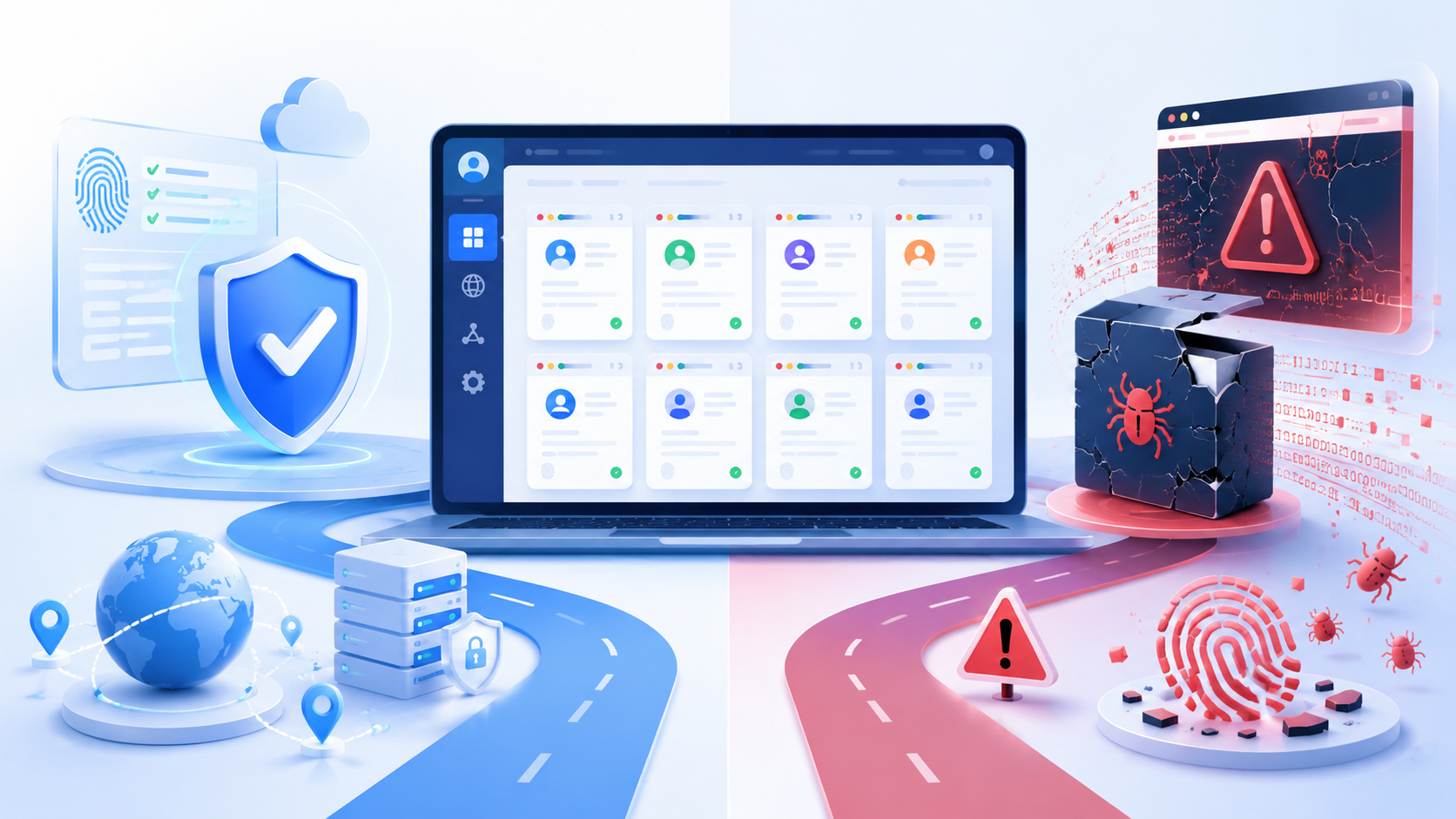
This article explains what “free” really means in the antidetect browser market, how to understand the risk of an antidetect browser crack, and how to choose a safer free option. If your goal is only to test before paying, an official free plan like MoreLogin’s 2 free browser profiles is usually a better starting point than downloading an unknown crack.
Not every free tool is the same. Before choosing a Free Antidetect Browser, you need to understand what type of “free” you are looking at.
An official free plan is provided directly by the software company. It may include a limited number of browser profiles, basic fingerprint settings, or a small free usage quota.
This type of free plan is usually the safest way to test an antidetect browser because the software comes from the official website or official client. You can check the company, product updates, documentation, support channels, and privacy policy before using it.
For beginners, an official free plan is often enough to test profile creation, proxy setup, fingerprint settings, and basic account isolation.
Some antidetect browsers offer a free trial version instead of a forever-free plan. A trial may last 3 days, 7 days, or longer. Some trials unlock most features, while others limit profile numbers, automation, team features, or API access. In many cases, advanced features are still more restricted than they are in paid use.
A free trial is not necessarily bad. In fact, it can be useful if you want to test the full product before paying. The important point is still the same: the trial should come from the official provider, not a third-party download source.
A cracked antidetect browser is different.
An antidetect browser crack is usually a modified version of paid software. It may come from forums, Telegram groups, file-sharing websites, unknown blogs, or unofficial download pages. The main problem is that you cannot verify what has been changed inside the installer.
A crack may look like a shortcut to save money, but it creates much higher risks. You may be giving an unknown tool access to your cookies, proxy information, login sessions, local files, browser profiles, and account data.
That is not a smart trade-off.
A Free Antidetect Browser from an official provider is very different from an antidetect browser crack.
An official free plan usually has clear limits. For example, it may offer a small number of browser profiles, limited features, or a free trial period. But the software comes from the official source, receives updates, and gives users a safer way to test the product.
A cracked antidetect browser is different. It usually comes from unknown download links, forums, file-sharing sites, or unofficial groups. Users cannot confirm whether the installer has been modified, whether it contains hidden code, or whether the fingerprint data is still updated.
The real problem is not “free.” The real problem is trust.
If you only want to test an antidetect browser, an official free plan is usually the safer choice. A crack may look like a shortcut, but it can expose your accounts, cookies, proxy data, browser profiles, and your ip address to unknown risks.
The risk of a cracked antidetect browser is not only about malware. It is also about browser fingerprints, account stability, and long-term environment quality.
A cracked installer may be repackaged by someone you do not know. It could include backdoors, malware, tracking scripts, or hidden data collection.
This is especially risky for antidetect browsers because the software is not just opening websites. It may manage your account sessions, cookies, proxies, and profile storage.
If the software itself is not trustworthy, every profile inside it becomes a risk.
Cookies and login sessions are valuable. They can also expose local storage and other identifying factors, so each profile should stay independent to reduce the risk of detection and reveal how your accounts are structured.
Proxy data is also sensitive. If your proxy credentials are exposed, other people may abuse them or connect activity back to your setup. Shared browser fingerprints or the same ip address across profiles can also lead to account bans.
For teams or agencies, this is even more serious. One unsafe browser environment can affect multiple accounts, clients, or campaigns.
The core value of an antidetect browser is not simply changing your IP. It works through fingerprint spoofing, replacing your real digital fingerprint with a custom one so each isolated profile appears like a different user, and a strong profile still needs a consistent browser fingerprint.
A browser fingerprint may include User-Agent, WebRTC, timezone, geolocation, language, screen resolution, installed fonts, Canvas, WebGL, hardware data, browser core, browser version, browser parameters, and other signals.
If a cracked tool uses old fingerprint logic, the profile may look inconsistent. For example, the User-Agent may not match the browser core, the timezone may not match the proxy location, or WebRTC may expose unexpected information.
These small mismatches can weaken account stability.
A browser environment should look natural and consistent, because websites compare not only fingerprint signals but also cookies, IP addresses, and behavioral patterns when deciding whether accounts are related. If the IP location, timezone, language, WebRTC, screen size, fonts, Canvas, WebGL, and device information do not match each other, the profile may look abnormal.
This is why a cracked antidetect browser can be risky even if it opens normally. The interface may look fine, but the fingerprint signals behind it may be outdated or inconsistent, and separate profiles should present different browser fingerprints to avoid looking linked.
The user may not notice the issue until accounts start facing verification, login problems, or unstable sessions.
Detection methods, browser versions, and website checks change over time. A tool that is not maintained becomes weaker.
An official provider can release updates, fix issues, improve profile logic, and provide support. A cracked version usually has none of these.
This means the longer you use a crack, the more risk you may carry.
This is the most important part. The goal is not to say every Free Antidetect Browser is unsafe. The real point is that you need to know how to judge one before using it for real accounts.
If you want a Free Antidetect Browser, start with an official free plan. Do not download unknown installers just because they promise “unlimited profiles” or “paid features unlocked.”
A real official free plan may have limits, but those limits are visible, and even a free version or basic plan from an official provider is still safer than a crack because the source and restrictions are transparent. You know where the software comes from, what features are included, and whether the product is still maintained.
A crack may seem more generous, but the risks are hidden.
A safer antidetect browser should create independent browser profiles and support multiple browser profiles at scale.
Each profile should have its own cookies, cache, local storage, proxy settings, fingerprint configuration, and login environment. This separation is what lets teams manage multiple accounts across platforms such as Facebook, Amazon, or LinkedIn more safely. This helps reduce profile overlap and keeps different accounts separated.
If a free tool does not clearly support profile isolation, it may not be suitable for multi-account work.
Before using a Free Antidetect Browser for real accounts, do not rely only on the product page. Create a test profile first and check whether the browser environment looks consistent.
You can use tools like CreepJS, BrowserLeaks, PixelScan, and IPhey to review basic fingerprint signals, such as User-Agent, WebRTC, timezone, language, fonts, Canvas, WebGL, screen resolution, and hardware-related data.
The goal is not to hide every signal. A normal browser always exposes some fingerprint data. What matters is whether these signals match each other.
For example, you can check whether the timezone matches the proxy location, whether the selected IP address matches the profile location, whether WebRTC exposes unexpected IP information, whether the User-Agent matches the browser core, and whether language, fonts, screen size, and location settings make the overall digital identity look coherent for the selected environment.
If a free tool creates profiles with obvious fingerprint conflicts, it may not be reliable enough for long-term account work.
A safer free antidetect browser should still be maintained.
Browser engines change. Websites update their detection logic. Fingerprint signals also change over time, and updates also matter for API integrations with popular automation frameworks like Selenium, Puppeteer, and Playwright. If a tool has not been updated for a long time, its profiles may start to look outdated or unusual.
This is one of the biggest problems with crack versions. Even if the software opens normally, the fingerprint logic may already be old. Advanced users who rely on API access and automation frameworks such as Selenium, Puppeteer, or Playwright need actively maintained software.
A reliable tool should let users evaluate proxy support and proxy integration clearly. It should also provide WebRTC control to avoid basic environment mismatches.
A good setup should keep IP, timezone, language, WebRTC, and geolocation signals consistent, since proxies mask the user’s IP address and should be assigned per profile to prevent account linking. When users review proxy management, they should also check how proxy traffic is routed and whether each profile keeps the same network identity. If these signals conflict with each other, the profile may look suspicious or unstable.
Some tools include built in proxies or free proxies, while others let you connect your own proxies; high-quality residential or mobile options are usually safer than low-quality ones.
This does not mean a tool can remove every risk. But it should help users avoid obvious configuration mistakes.
Before importing important accounts, check how the provider handles data.
Look for basic information such as how browser profiles are stored, whether cookies and sessions are protected, whether the platform explains its privacy policy, whether there is encryption, whether team permissions are available, and whether official support exists.
If a tool gives no clear information about security or privacy, do not use it for valuable accounts.
Even if a tool looks like the best free antidetect browser or the best free anti detect, do not start with important accounts immediately.
Create a few low-risk profiles first. Test profile isolation, proxy setup, fingerprint consistency, WebRTC behavior, and browser stability. Only consider scaling after the tool performs consistently.
A small free anti detect setup is useful for validation, but scaling should wait until the environment proves stable.
If you are looking for a safer way to test a Free Antidetect Browser, MoreLogin gives you an official free starting point.
MoreLogin offers a free tier with 2 browser profiles forever. This is useful for users who want to test antidetect browser features without downloading cracked tools or paying before they understand the workflow. It also lets users try small marketing campaigns or simple automation workflows before upgrading.
You can create profiles, configure environments, and test whether the product fits your basic needs.
With MoreLogin Antidetect Browser, each profile runs as an isolated anti detect browser environment. This setup supports multi accounting and helps users run multiple accounts more safely. With API access, users can programmatically manage profiles for tasks such as account creation or data extraction. This helps users separate cookies, sessions, fingerprint settings, and account workflows.
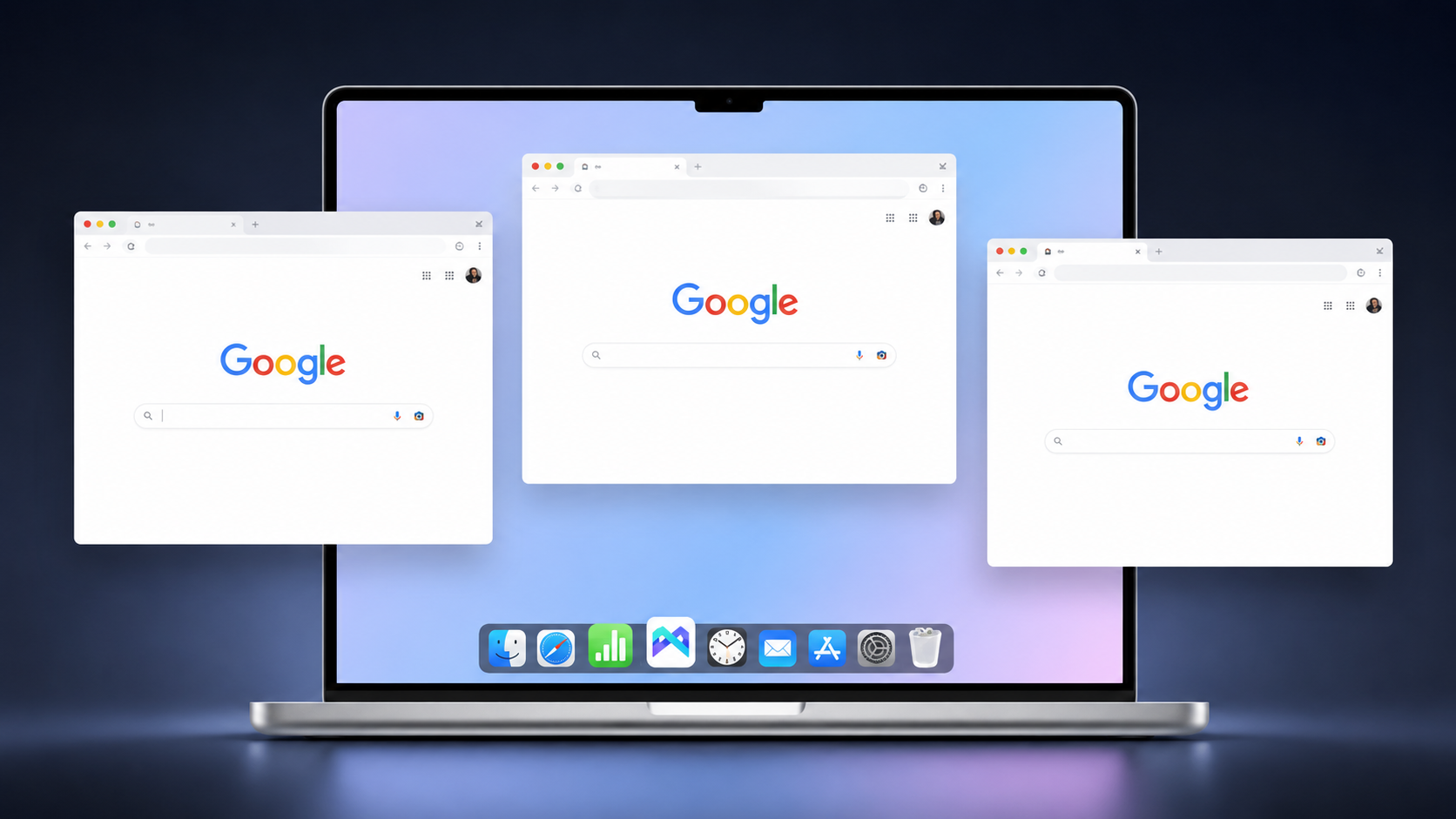
For small-scale testing, this is a safer and more practical approach than using an unknown crack.
MoreLogin’s free plan is not trying to be a cracked version of a paid product. It is an official free quota.
That difference matters. For most users, official tools are the better fit, while cracks are not an advanced solution for serious work.
You know where the software comes from. You can access official product information. You can test the workflow without installing unknown packages. For users who simply want a low-cost start, including affiliate marketers, that is a better choice.
If you want a broader product overview before testing, you can read this MoreLogin review. It gives more context about the platform, features, use cases, and whether it fits your workflow.
A Free Antidetect Browser is not automatically unsafe, and a free anti detect browser is not inherently risky. The real risk comes from unknown sources, cracked installers, outdated fingerprint libraries, and tools that do not explain how they protect user data.
If you only want to test antidetect browser features, do not start with a crack. Start with an official free plan. In practice, anti detect browsers work best when profiles do not share IP addresses, cookies, or browser fingerprints, so verify proxy and fingerprint consistency, test with tools like CreepJS and BrowserLeaks, review proxy and WebRTC settings, and make sure the product is still maintained.
For users who want a safer entry point, MoreLogin’s 2 free browser profiles offer a practical way to test antidetect browser workflows without relying on risky cracked software, which is useful for small multi-account or testing workflows before moving to more advanced features.
A Free Antidetect Browser can be safe if it comes from an official provider and has clear updates, privacy policies, and profile isolation. The risky part is using unknown downloads, modified installers, or cracked versions.
Yes. An antidetect browser crack can be dangerous because it may contain malware, backdoors, data collection scripts, outdated fingerprint logic, or unstable browser components. It also usually has no official updates or support.
Among the best antidetect browsers, the best anti detect option for testing should come from an official source, support independent profiles, offer clear fingerprint settings, receive updates, and provide transparent security information. MoreLogin can be one option because it offers 2 free browser profiles forever, though for most anti detect browsers, free access is mainly useful for small-scale validation since advanced features are usually limited.
You can use tools like CreepJS and BrowserLeaks to review browser fingerprint signals. These may include User-Agent, Canvas, WebGL, fonts, timezone, screen size, WebRTC, hardware data, and other browser characteristics.
Yes, users can use a free antidetect browser to manage multiple accounts on a small scale. Websites may still link accounts through anti detection checks across IPs, fingerprints, cookies, and behavior, so keeping profiles separate matters. Free plans often have profile limits, and workflows like google ads or e commerce platforms usually need a paid plan as scale grows. If you need larger operations, team collaboration, automation, or higher profile volume, you may need a paid plan.
Yes. MoreLogin offers 2 browser profiles forever for free. This makes it suitable for users who want to test anti detect browser features in an official antidetect browser before moving to a paid plan with more advanced features.
 EN
EN